
All Minecraft Commands: Cheat Sheet for Java & Bedrock
Every useful Minecraft slash command — /give, /tp, /locate, /fill, /summon, /gamerule — with copy-ready syntax and edition differences noted.
FAQ
How do I enable cheats in Minecraft?
What does @s @p @a @e @r mean in Minecraft?
Do commands work on Bedrock Realms?
How do I use commands in Minecraft?
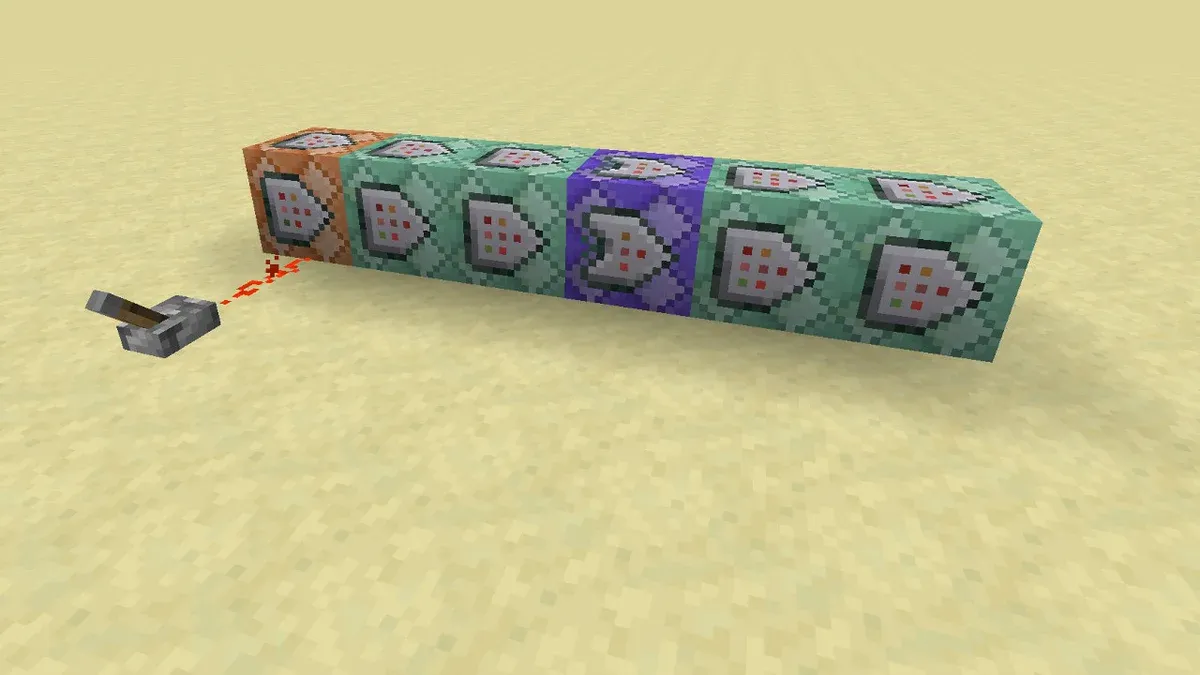
Press T (or / to prefill the slash) to open chat, type the command, press Enter. Commands also run in command blocks and on server consoles (no slash needed there). Java multiplayer requires operator permission level 2 for most commands; on Bedrock most cheat commands need cheats enabled — which permanently disables achievements on that world.
What are the essential commands?
Verified against the Java 26.3 and Bedrock 26.52 command lists — every entry below exists on both editions unless marked.
| Command | What it does | Example |
|---|---|---|
/gamemode |
Switch game mode | /gamemode creative |
/tp or /teleport |
Teleport entities/self | /tp @s 100 64 -200 |
/give |
Give items | /give @s minecraft:diamond 64 |
/locate |
Find structures & biomes | /locate structure minecraft:stronghold |
/summon |
Spawn entities | /summon minecraft:wither |
/fill |
Fill an area with blocks | /fill 0 64 0 10 64 10 minecraft:glass |
/setblock |
Change one block | /setblock ~ ~-1 ~ minecraft:bedrock |
/time |
Set/add world time | /time set day |
/weather |
Set weather | /weather clear |
/difficulty |
Set difficulty | /difficulty hard |
/effect |
Apply status effects | /effect give @s minecraft:speed 60 |
/enchant |
Enchant held item | /enchant @s minecraft:sharpness 5 |
/gamerule |
Change world rules | /gamerule keepInventory true |
/kill |
Remove entities | /kill @e[type=minecraft:zombie] |
/spawnpoint |
Set respawn point | /spawnpoint @s 0 80 0 |
/seed |
Show the world seed | /seed (works even without cheats in Java singleplayer) |
/xp or /experience |
Give/take XP | /xp add @s 10 levels |
/clear |
Remove inventory items | /clear @s minecraft:dirt |
/recipe |
Grant/revoke recipes | /recipe give @s * |
/clone |
Copy blocks | /clone 0 64 0 5 64 5 100 64 100 |
What are the most useful gamerules?
/gamerule toggles world behavior — the ones players actually use:
| Rule | Effect |
|---|---|
keepInventory true |
Keep items on death |
mobGriefing false |
Creepers/Endermen can’t break blocks |
doDaylightCycle false |
Freeze the clock |
doFireTick false |
Fire doesn’t spread or burn out |
doMobSpawning false |
No natural mob spawns |
showCoordinates true (Bedrock) |
Always show coordinates |
How do target selectors and coordinates work?
- Selectors:
@sself,@pnearest player,@aall players,@eall entities,@rrandom player. Filter with brackets:@e[type=minecraft:creeper,distance=..10]. - Tilde
~: relative to your position —/tp @s ~10 ~ ~-5moves you 10 east, 5 north. - Caret
^: relative to where you’re facing —/tp @s ^ ^ ^10teleports you 10 blocks forward.
What differs between Java and Bedrock commands?
Bedrock uses different argument naming (victim: target, checkForBlocks), has its own exclusive commands (/clearfixedinv, /camera, /hud), and gates most cheat commands behind the world’s cheat toggle. Java has /execute, /data, /trigger and the deeper technical command set. Anything above marked as working on both editions was verified against the current lists — for the full per-command syntax see our teleport command guide and the linked wiki pages.
What to read next
- Minecraft Teleport Command — every /tp syntax variant
- Minecraft Beginner Guide — if you’re new, do it vanilla first
- Best Minecraft Seeds — commands + good seeds = fast worlds
- Ender Dragon guide — practice with
/summon
Was this helpful?
Thanks for the feedback!